Add an Account
Adding an account tells Budget Thing about a real place your money sits. You need at least one before you can record anything.
First time here
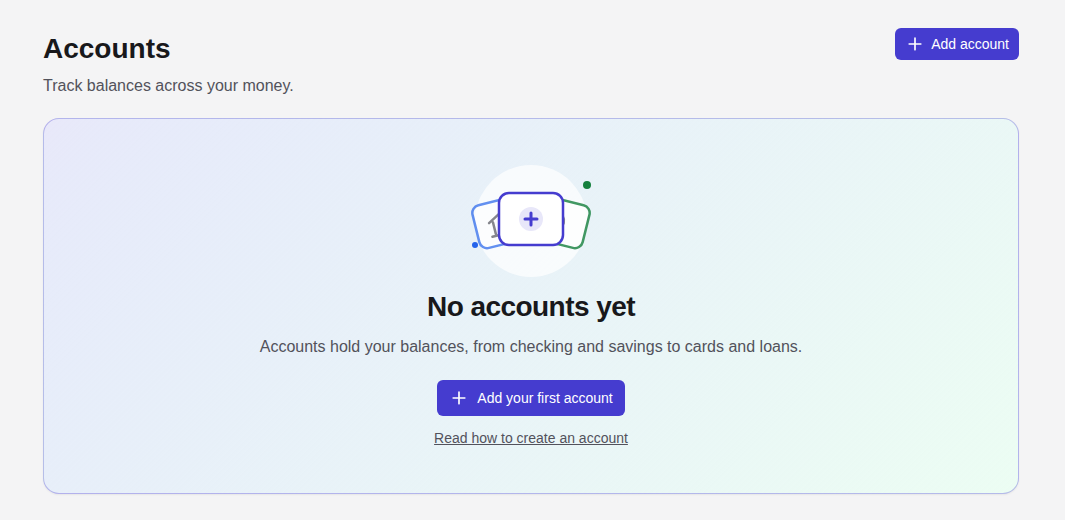
A workspace with no accounts opens Accounts on a welcome card with a few account cards fanning out behind a + card. It explains that accounts hold your balances, from checking and savings to cards and loans. Choose Add your first account to start, or follow the link to this article.
Add the account
- Open Accounts and choose Add account. If this is your first one, the button reads Add your first account.
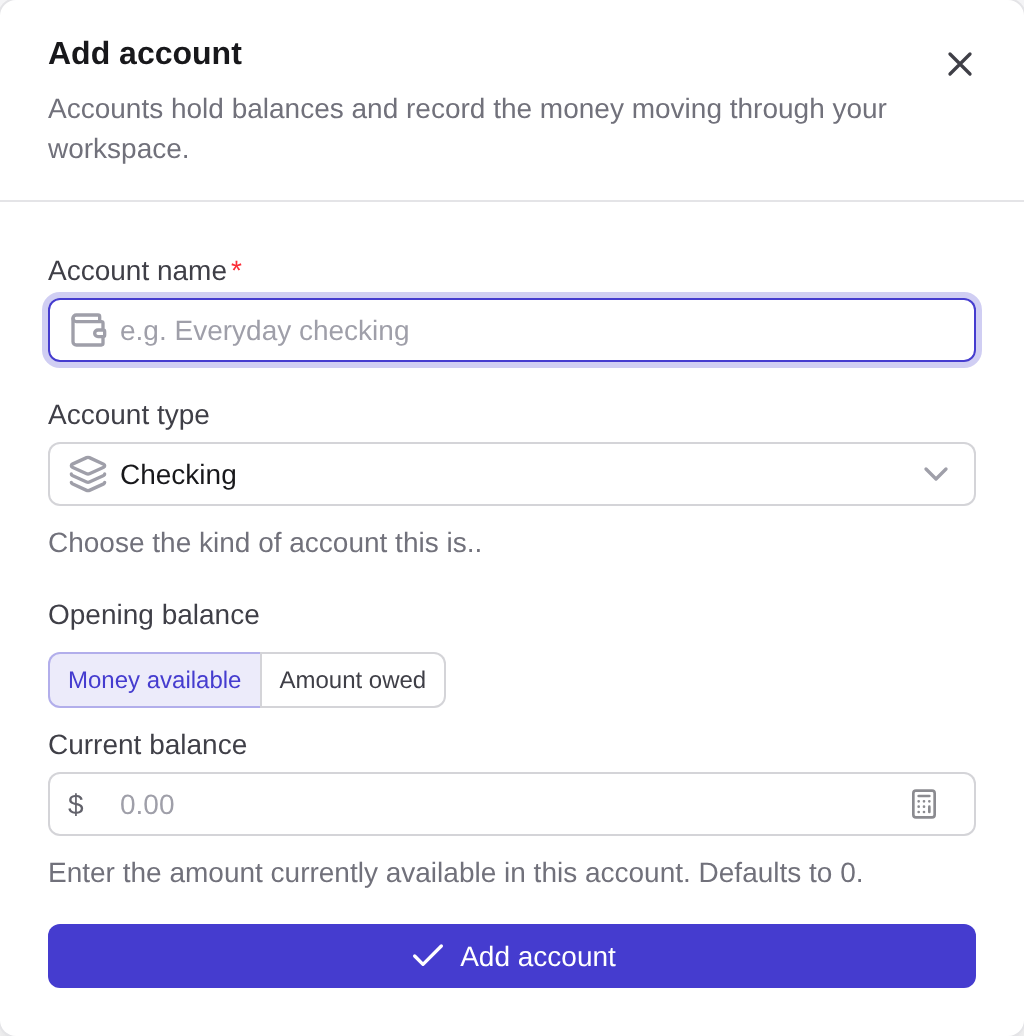
- Enter an Account name. Use the name you would use out loud — Everyday checking, Visa, Car loan.
- Choose an Account type. The list is grouped under Cash & Bank, Credit Cards, Investments, Loans & Liabilities and Other Assets. See Account Types if you are unsure.
- Set the Opening balance.
- Choose Add account. Budget Thing takes you straight to the new account's page, ready for its first transaction. The first account you create in a workspace is the exception: it takes you to Categories, the next setup step. If something goes wrong, you stay on the form and see the error.
Setting the opening balance
The opening balance has a direction as well as an amount:
- Money available — the amount currently in the account. The field is labelled Current balance and defaults to 0.
- Amount owed — for a card or a loan. The field is labelled Current amount owed, and you enter it as a positive number.
Enter today's balance. You do not need to recreate months of history to get started; the opening balance is the known point everything after it is measured from.
The opening balance on a credit card or liability account does not reduce Available to Assign. Existing debt is recorded as debt, not as money you have to find this month. See Existing Card Debt.
What happens next
- A credit-card account also gets its own payment category, named after the account. See The Payment Category.
- Accounts are listed grouped by type, and you can reorder them with Move account up and Move account down. On a phone those arrows are hidden until you choose Reorder at the top of the Accounts page; choose Done when you have finished.
- Everything about the account can be changed later — see Edit an Account.
If you want the account to pull transactions in automatically, connect it after you have created it: see Connect an Account.