Connect with Plaid
Plaid connects Budget Thing directly to thousands of financial institutions. You sign in to your bank inside a secure window that Plaid provides; Budget Thing never receives your bank password.
Connect
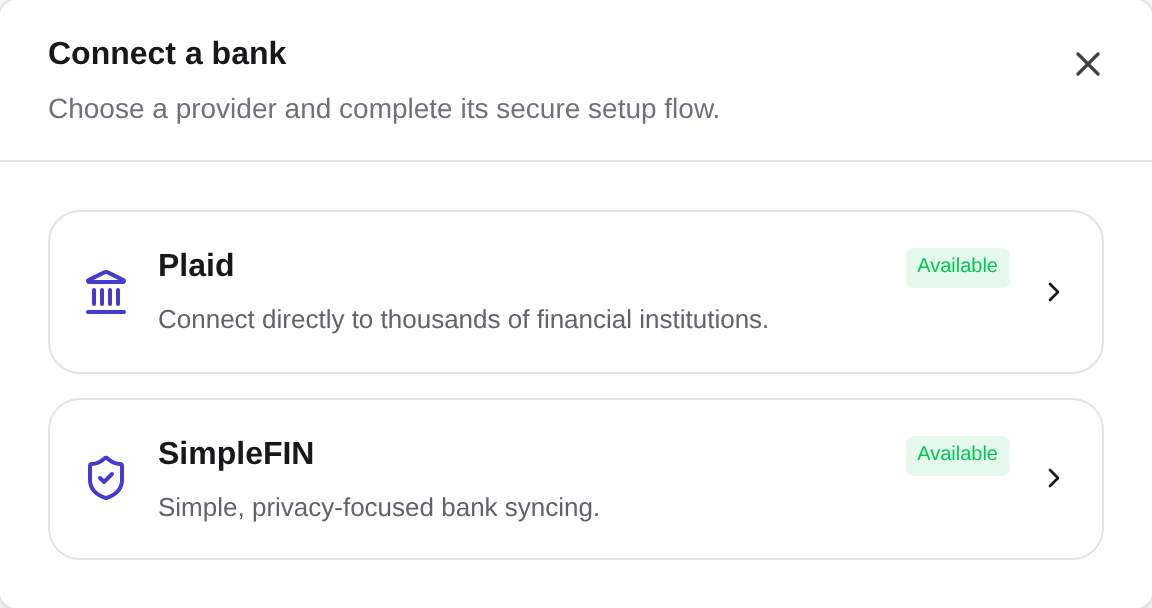
- Go to Bank Sync and choose Connect a bank, then choose Plaid.
- Budget Thing shows Opening Plaid… for a moment, then Plaid's secure window opens.
- Find your financial institution and sign in there. Some banks add their own step, such as a code sent to your phone.
- When Plaid finishes, the window closes and you return to Budget Thing.
Your bank is now linked. Budget Thing then shows the accounts Plaid discovered so you can match them to Budget Thing accounts. When you started from an account, it asks which of the bank's accounts goes with that account — see Connect an Account.
If the window does not cooperate
- The session expired. A Plaid link is short-lived. Start again to get a fresh secure link.
- The window did not open. Budget Thing shows Plaid Link could not be opened. This happens when Plaid's sign-in window cannot load, most often because an ad or script blocker stopped it. Allow Plaid for Budget Thing and choose Try again.
- Plaid could not finish connecting. The bank sometimes refuses partway through. Try again, and if it keeps failing, check whether your bank is reporting problems on its own site.
An interrupted setup leaves the connection marked Setup incomplete. Use Restart setup rather than creating a second connection.
How new transactions arrive
Plaid notifies Budget Thing when it has new or changed transactions for your bank, and Budget Thing syncs the affected accounts within a few minutes. Plaid connections also sync automatically several times a day as a backup, and you can use Sync now at any time.
This is as soon as Plaid has the transaction, not as soon as you make the purchase. Plaid checks your bank on its own schedule and banks post transactions at different speeds, so a purchase can still take a day or more to appear. See Timing.
Signing in again later
Banks periodically require you to re-authorize. When that happens the connection is marked Needs attention and stops syncing until you sign in to your institution again. See Manage Connections.
Bank sync downloads transaction and balance information. It cannot move money.
Bank notes
Plaid sends your bank's own description of each transaction along with the cleaned merchant name. Turn on Import bank notes for an account to use that description as the memo of new transactions that have none.
Availability
Providers depend on your plan. If Plaid shows as requiring an upgrade or as unavailable, see Feature Availability.