Create a Bill
Adding a bill tells Budget Thing what you expect to owe and when. It does not record a payment.
First time here
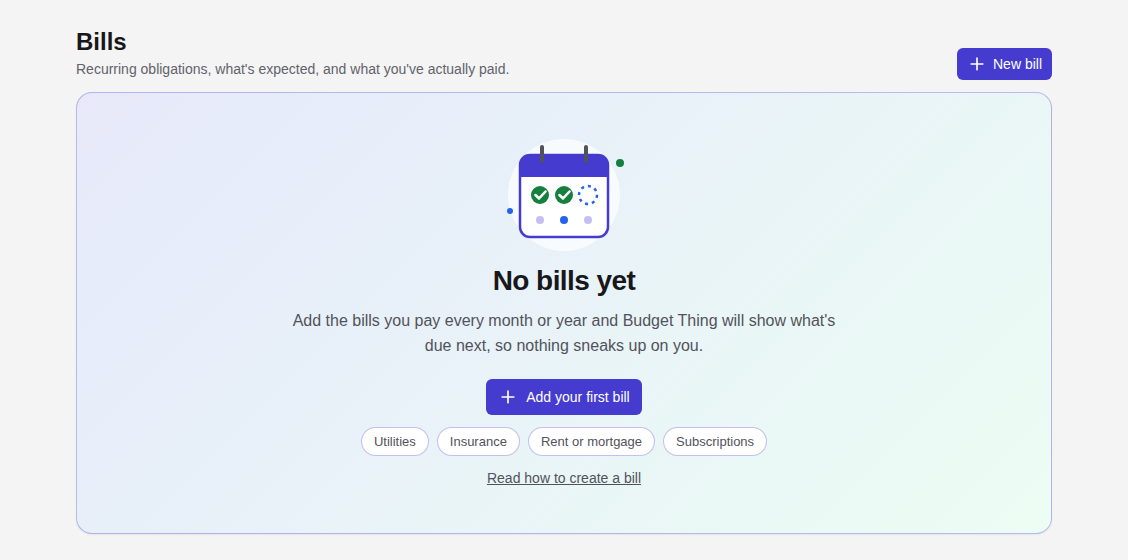
A workspace with no bills opens Bills on a welcome card: a calendar illustration, a short explanation of what bills are for, a few examples (utilities, insurance, rent or mortgage, subscriptions), Add your first bill and a link to this article. Add one bill and the page switches to the usual upcoming, history and manage views.
Add the bill
- Open Bills and choose New bill. When the workspace has no bills yet, the page offers Add your first bill instead.
- Fill in the sections described below. Only Basics is required.
- Choose Add bill.
Basics
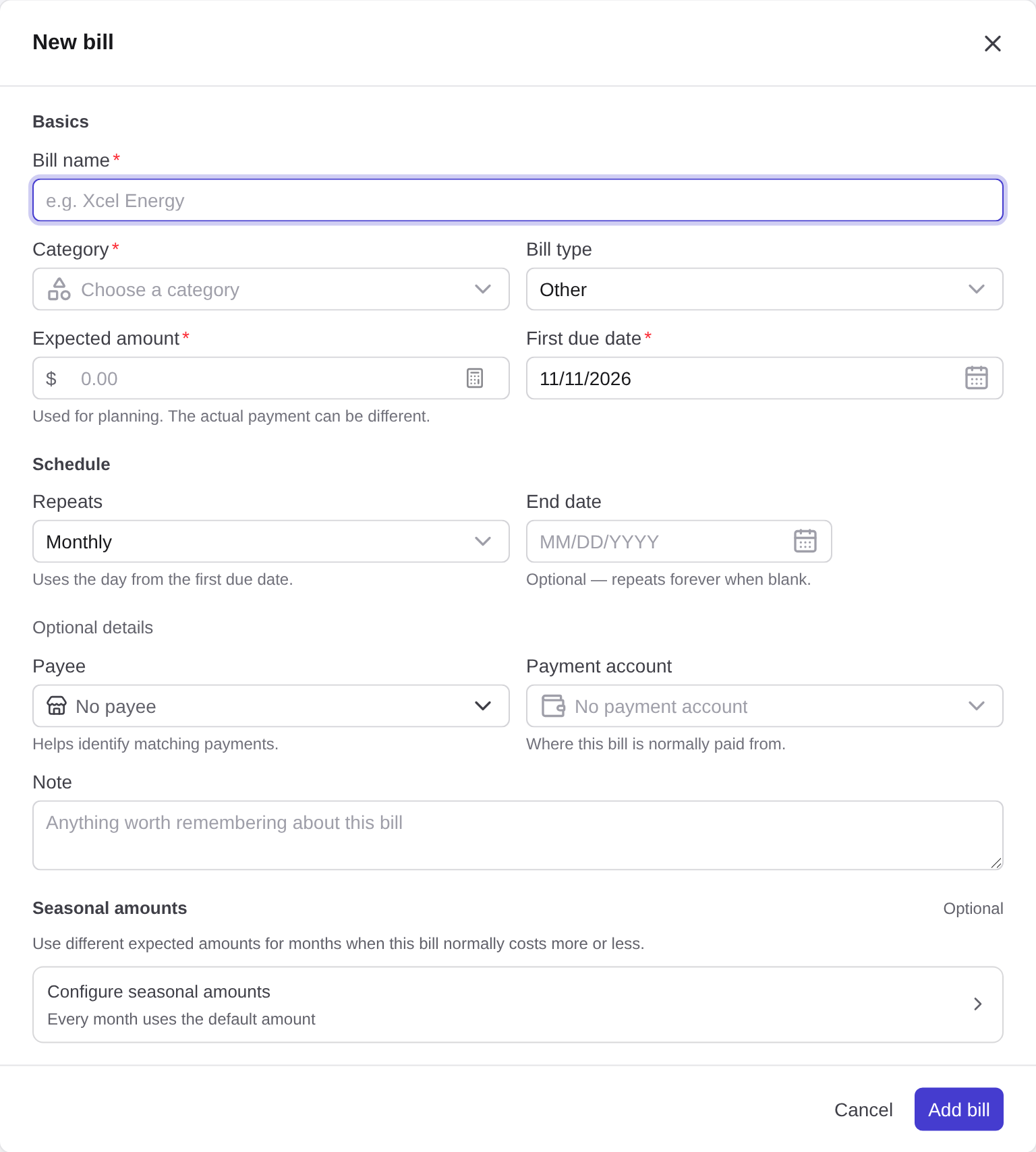
| Field | What it does |
|---|---|
| Bill name | How you recognise the bill, such as Xcel Energy. Required. |
| Category | The category the bill is paid from. Required. |
| Bill type | Utility, Insurance, Housing, Subscription, Service, Tax or Other. |
| Expected amount | What you expect to owe each time. Required, and zero or more. |
| First due date | The first date the bill is due. It also anchors the schedule. Required. |
Only categories you can actually fund are offered — a group heading or a system category cannot be chosen. See Categories.
Expected amount is used for planning. The payment you eventually match can be higher or lower without anything being wrong. If a bill costs predictably different amounts at different times of year, set seasonal amounts instead of guessing an average.
Schedule
| Field | What it does |
|---|---|
| Repeats | How often it comes round. |
| End date | Optional. Leave it blank and the bill repeats forever. |
The day the bill lands on comes from First due date, so a monthly bill with a first due date of the 14th falls on the 14th every month. See Recurring Bills for the available cadences.
Optional details
| Field | What it does |
|---|---|
| Payee | Helps identify matching payments. A payee you type here is created when you save. |
| Payment account | Where the bill is normally paid from. |
| Note | Anything worth remembering about the bill. |
Neither the payee nor the payment account restricts anything — they make matching a payment easier by giving Budget Thing more to recognise.
Seasonal amounts
Optional. Choose Configure seasonal amounts to set a different expected amount for the months when this bill normally costs more or less. Months you leave alone use the default Expected amount. See Recurring Bills.
After saving
The bill starts generating occurrences straight away, and they appear under Upcoming, on the Calendar, and in the amount your category needs for the month in Plan Ahead.