General Settings
Budget Thing keeps the general details of a workspace deliberately small. There is no General tab in workspace settings: the only general detail a workspace carries is its name, and that is changed from the workspace title itself.
Rename a workspace
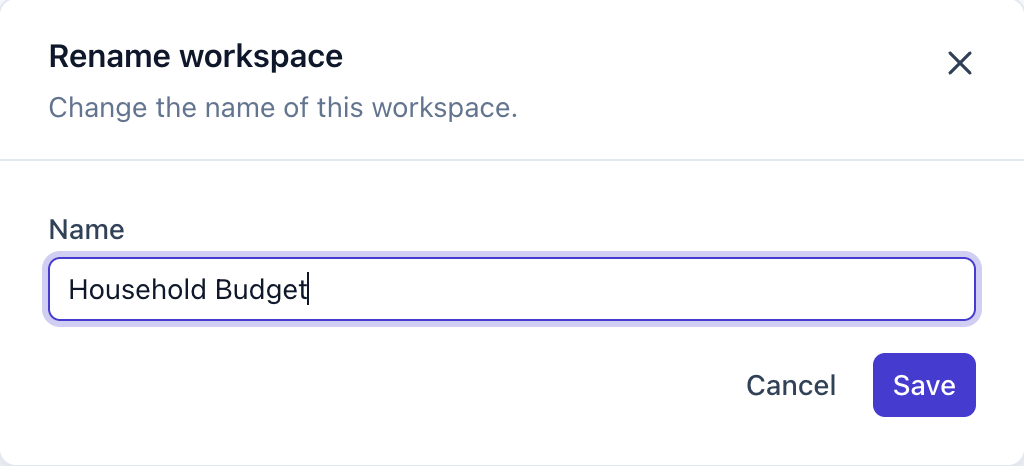
Select the pencil button beside the workspace name at the top of the workspace to open Rename workspace, type the new name and save. Selecting the name itself opens workspace settings instead. Only the owner or an Admin can rename a workspace. A workspace name can be up to 60 characters.
Renaming changes nothing but the label. Accounts, categories, transactions, members and the subscription are all unaffected.
If your usage is over your plan limits, Budget Thing becomes read-only and renaming is blocked along with other changes. See Which Features Your Plan Includes.
Base currency
When you create a workspace you choose a Base currency. It is used for balances and reports, and it fills in sensible formatting defaults — the symbol, where the symbol sits, how many decimal places, and the separators.
The workspace keeps the base currency code, and it can't be changed in Budget Thing after the workspace is created. What you can change is how amounts look: every formatting field can be adjusted afterwards from the Formatting tab, and applying the defaults from a different currency is a single action. Doing so changes the formatting only, not the stored base currency. See Date and Number Format.