Workspace Settings
A workspace is the container your budget lives in. It holds your accounts, categories, payees, tags and reports, along with the settings that control financial behavior and formatting for everyone using it.
Because those settings belong to the workspace rather than to you personally, everyone looking at the same workspace sees the same numbers formatted the same way.
Most people need exactly one
One workspace is enough for a household budget, however many people share it. Additional workspaces make sense when you are keeping genuinely separate books — a side business you do not want mixed into household spending, for example. Nothing moves between workspaces on its own: accounts, categories and transactions all belong to one workspace only.
The email and password you sign in with belong to you, not to the workspace. See Account & Security.
What you can change
Workspace settings are grouped into sections. On a wide screen they are listed down the left with the open section beside them. On a phone a picker at the top shows the current section, and choosing it lists every section in full, so nothing runs off the screen. Switching sections keeps anything you have typed but not yet saved.
- Formatting — the currency symbol and its position, decimal places, the decimal and thousands separators, the date format, and the workspace's time zone, which is saved alongside them. See Date and Number Format.
- Budget Period — how often this workspace plans money, with a preview of the periods that schedule produces. See Budget Periods. This tab also holds the word Budget Thing uses for each period (the default is "pay period"). See Naming your pay period.
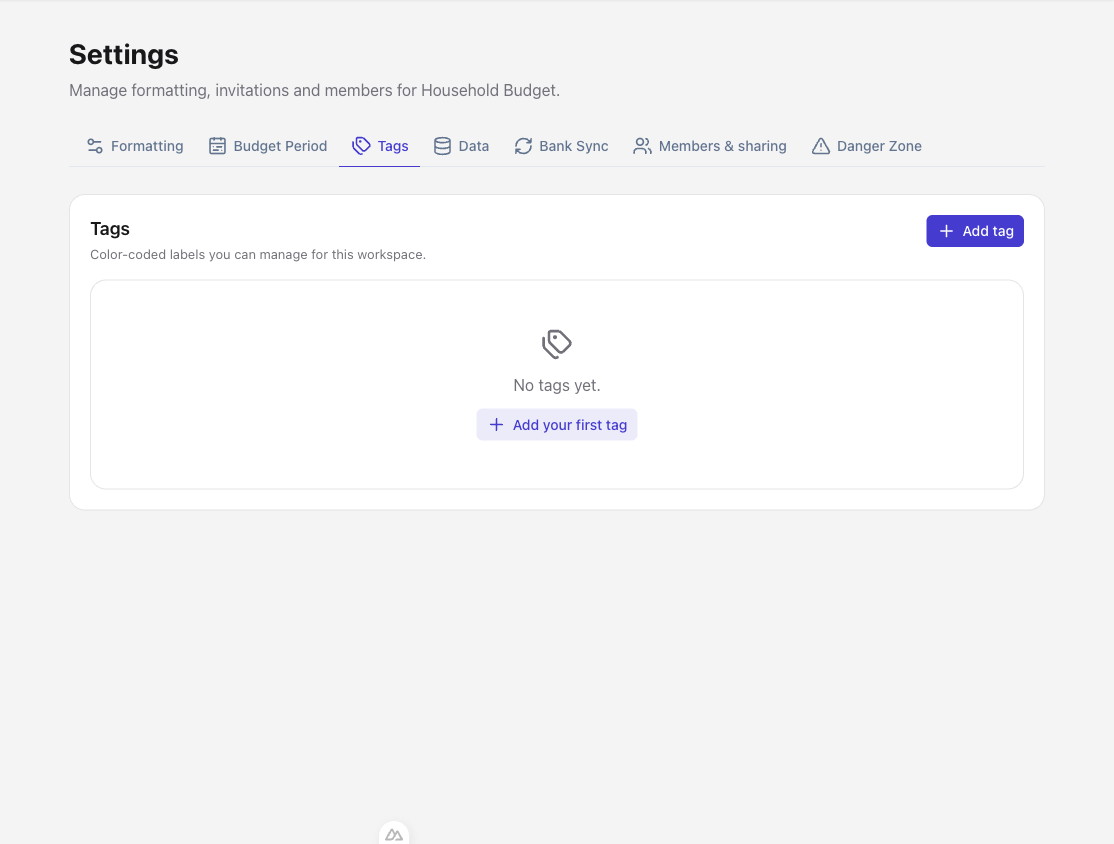
- Tags — managing the tags available in this workspace.
- Your preferences — settings that change only what you see in this workspace, not what other members see. Today that is Show metadata, which reveals the key/value pairs on clients, projects, invoices, quotes and time entries (off by default). See Metadata.
- Data — exporting a copy of the workspace, cloning it, importing from YNAB, and restoring the setup guide. See Your Data.
- Bank Sync — the bank connections feeding this workspace.
- Workspace type (on the Data tab, owner only) — switching between a personal and a business workspace. See Business Workspaces.
- Members & sharing — invitations and roles. If you do not own the workspace, this tab is called Members and lets you leave the workspace. See Members and Sharing. The same tab holds Support access, which lets Budget Thing support look at the workspace read-only for a time you choose. See Support Access.
- Danger Zone — deleting the workspace. Only the owner sees this tab. See Danger Zone.
The workspace name itself is changed from the workspace title rather than from a settings tab — see General Settings.
Settings that are not here
Two things people often look for in workspace settings live elsewhere, because they are not workspace-scoped:
- Your password, two-factor authentication and recovery codes are personal, and live in Account & Security.
- Your subscription covers your whole account rather than a single workspace, and lives in Plans & Billing.